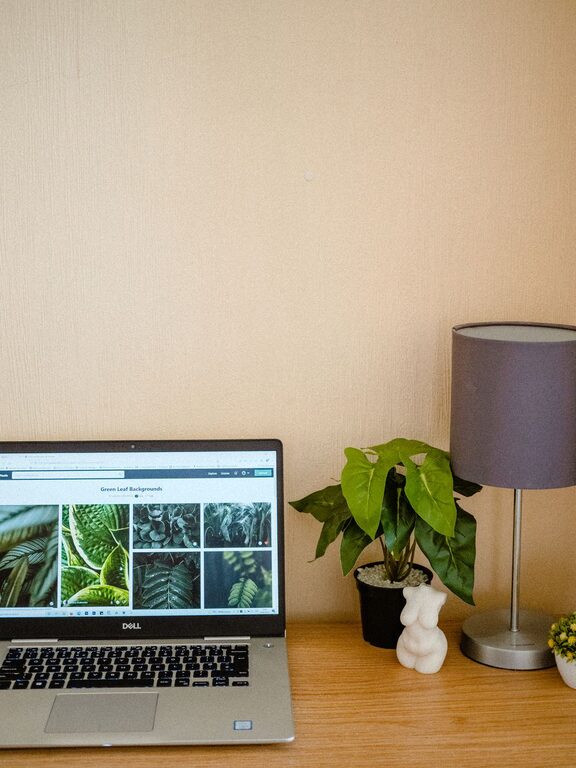
Creating a home office that feels welcoming yet supports your workflow is essential, especially as more people work remotely. A cozy and functional space can boost your focus, reduce stress, and make your work hours more enjoyable. This guide offers practical tips to help you design a home office that balances comfort and efficiency.
Choose the Right Location
The first step is selecting the best spot in your home for your office. Consider areas with good natural light, minimal distractions, and enough space for your equipment.
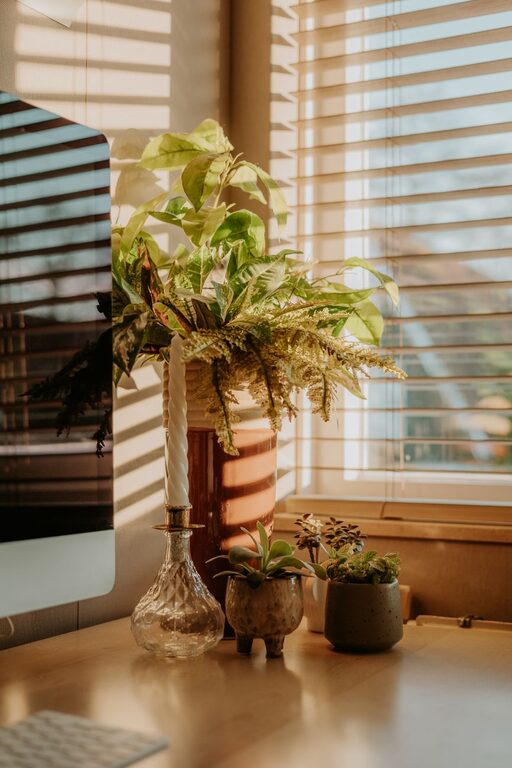
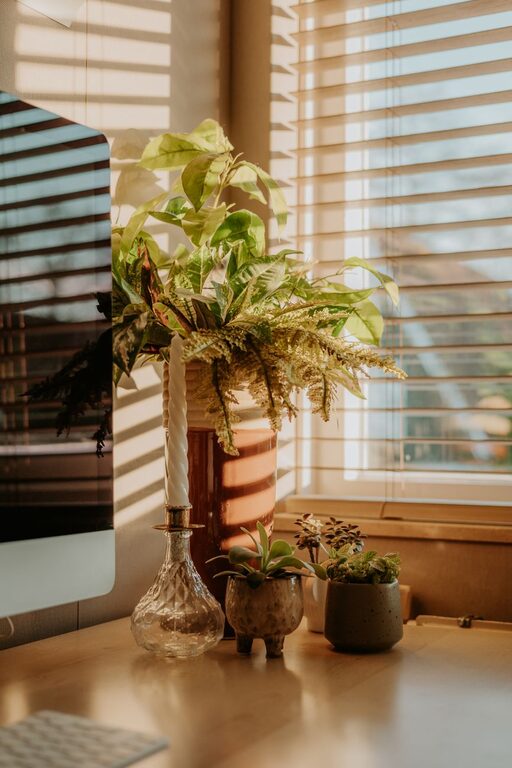
– Natural Light: Working near a window can enhance mood and reduce eye strain.
– Quiet Corners: Opt for a space away from busy household areas.
– Space Requirements: Make sure there’s room for your desk, chair, and storage.
Invest in Comfortable, Ergonomic Furniture
Comfort is key to staying productive and avoiding strain during long work hours.
– Ergonomic Chair: Choose a chair with adjustable height, lumbar support, and good cushioning.
– Desk Size: Pick a desk that fits your work needs and space, with room for your computer, documents, and other essentials.
– Adjustable Options: Consider a sit-stand desk to alternate positions throughout the day.
Organize with Functional Storage Solutions
Keeping your workspace clutter-free helps maintain focus and saves time looking for items.
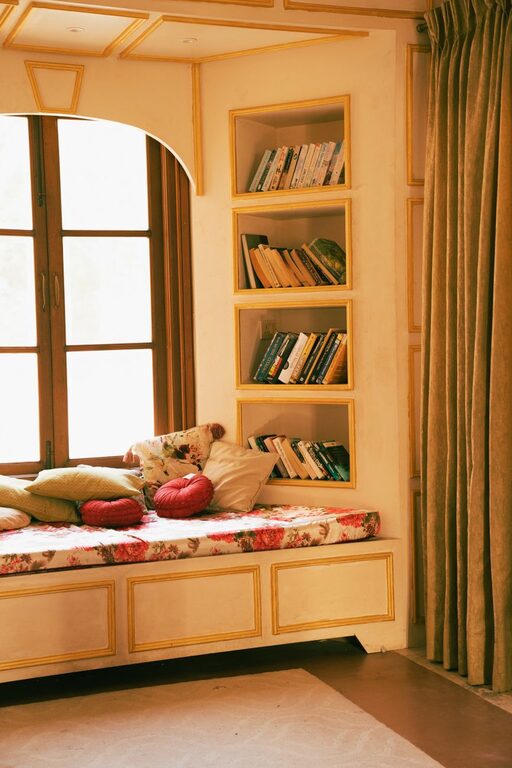
– Shelves and Cabinets: Use vertical space to store books, files, and supplies.
– Desk Organizers: Keep pens, notepads, and small items neatly arranged.
– Cable Management: Use clips or sleeves to keep cords untangled and out of sight.
Personalize Your Space Thoughtfully
Adding personal touches can make your office feel inviting without distracting you.
– Decor: Choose a few art pieces, plants, or photos that inspire you.
– Colors: Soft, neutral tones promote calm, while pops of color can energize.
– Lighting: A balance of ambient, task, and natural light helps reduce fatigue.
Incorporate Technology Wisely
Your tools should support your work seamlessly.
– Reliable Internet: Ensure your internet connection is strong and stable.
– Monitor and Accessories: Use an external monitor, keyboard, and mouse for better ergonomics.
– Noise-Canceling Headphones: Useful if you work in a noisy environment or need focus.
Create a Routine-Friendly Environment
Arrange your office to encourage healthy habits and productivity.
– Designate Zones: If space allows, create distinct areas for tasks like computer work, reading, or brainstorming.
– Accessible Supplies: Keep frequently used items within arm’s reach.
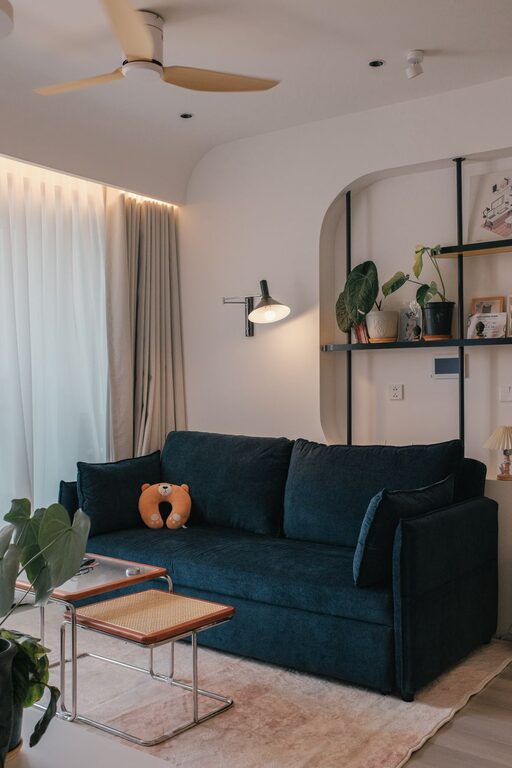
– Break Space: Include a comfy chair or small spot for breaks to recharge.
Maintain Good Air Quality and Comfort
Physical comfort extends beyond furniture.
– Ventilation: Open windows or use an air purifier to keep air fresh.
– Temperature Control: Use fans, heaters, or humidifiers depending on the season.
– Plants: Indoor plants not only improve air quality but add a calming presence.
Final Thoughts
Designing a cozy and functional home office doesn’t require a big budget or major renovations. Prioritize comfort, organization, and personal touches to create a space where you can focus and feel motivated. Regularly assess your setup and make adjustments as your work needs evolve.
By following these tips, you can build a home office that supports both your professional goals and your well-being. Happy decorating!
About the Author